 5 min read
Turn saved reels into real meals.
Paste the link. Seconds later you have a real recipe: ingredients, amounts, steps.
InstagramTikTokYouTubePinterestor any recipe site
Paste a link — or share it straight from Instagram, TikTok or YouTube while you scroll reels.No ads. Your recipes stay yours.
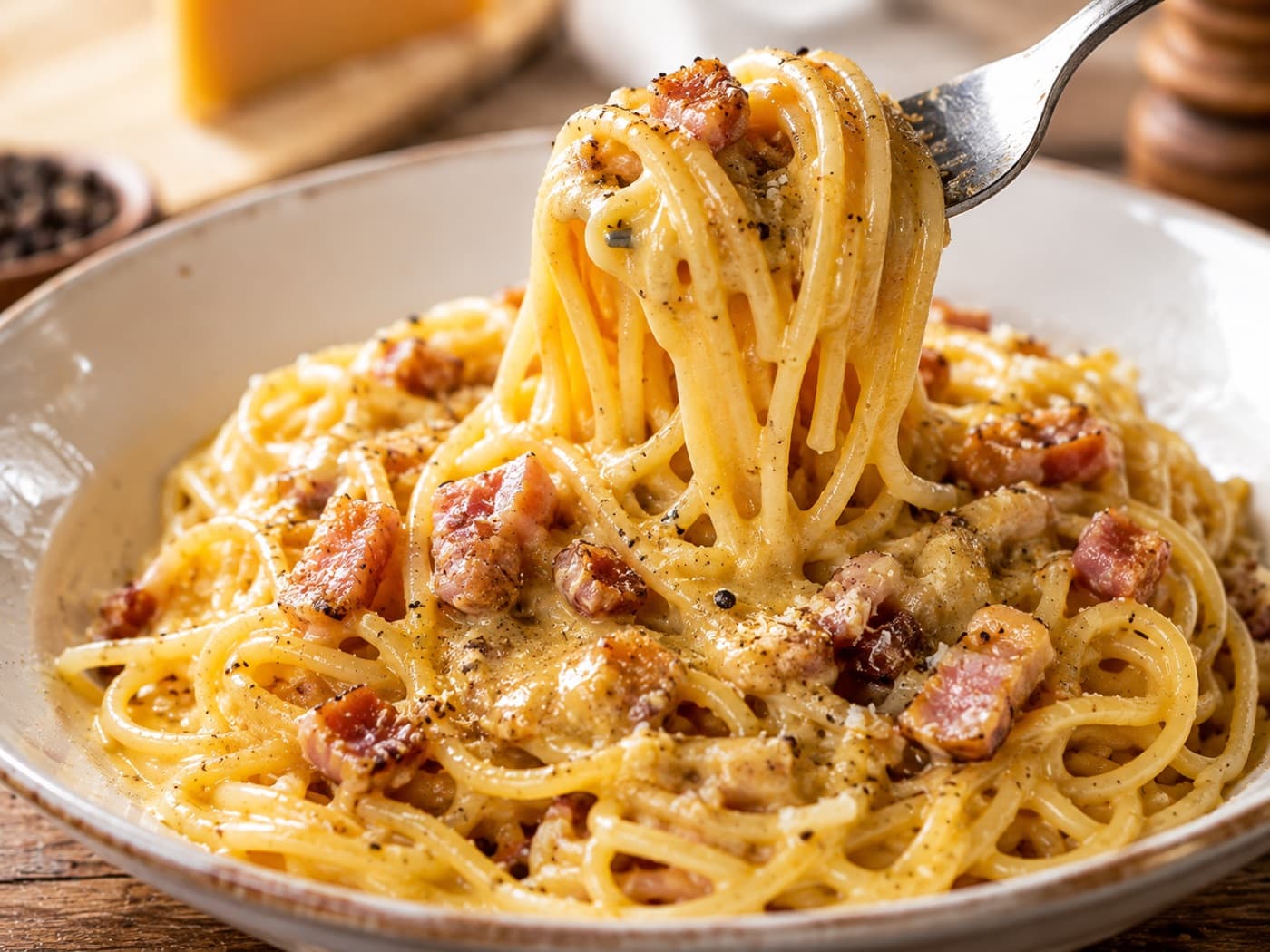

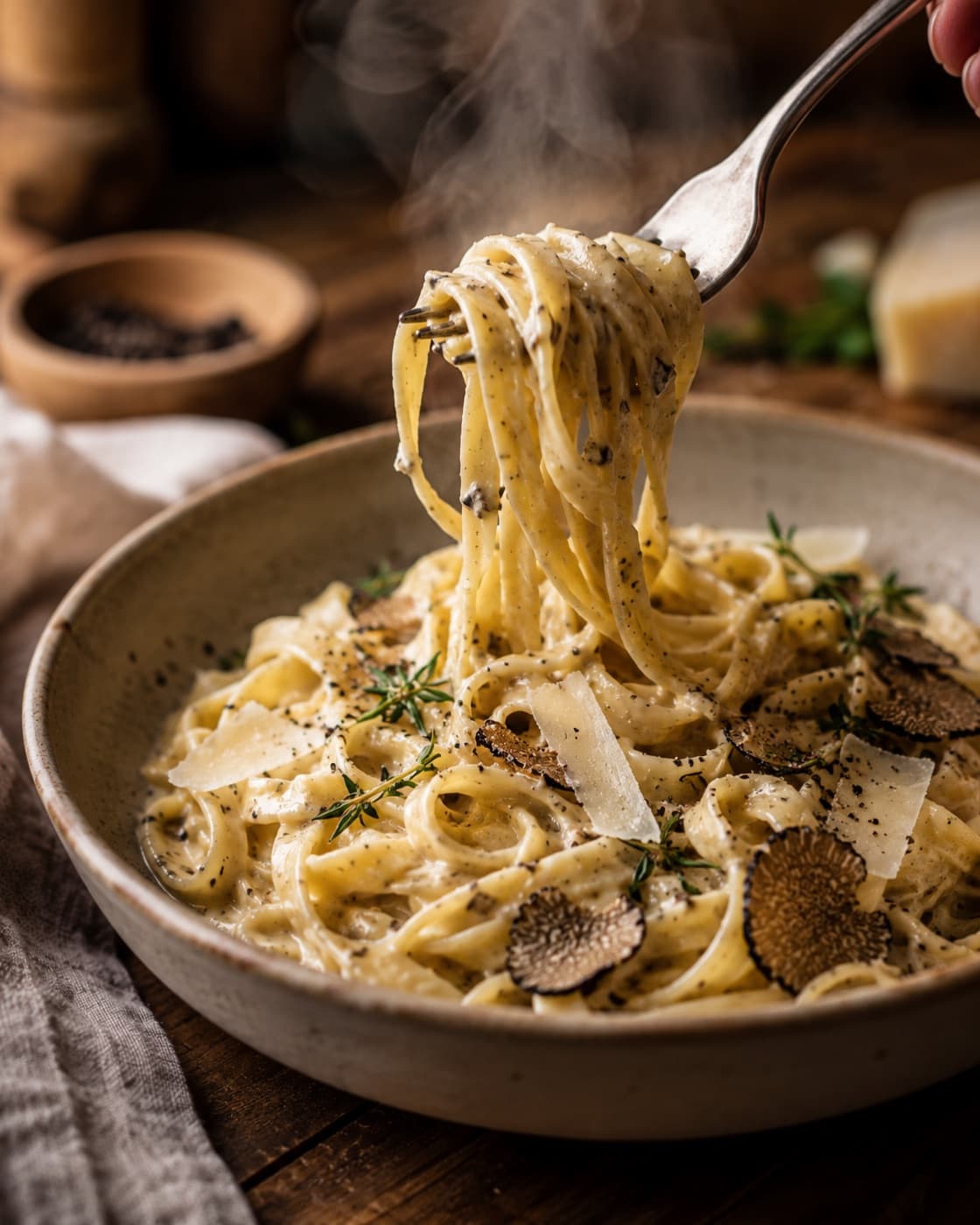
The problem isn't the recipes. It's where they end up.
The “Saved” folder you never open
Two hundred videos in a folder that is not a shopping list and not a cookbook.
The screenshot you can't find
Somewhere in the camera roll, between dog photos and a garage receipt. Good luck.
The video you rewind four times for one amount
Greasy hands, screen goes dark, and at 1:12 it says “a bit of pecorino”.
From the share button
Share the reel. Cucinario does the rest.
You're in Instagram, you tap Share and pick Cucinario. You don't leave the app: the recipe lands in your library while you keep scrolling.
Works from TikTok, YouTube, Pinterest and any web page too.9:41
@cucinadinonna0:42Save to CucinarioCancel
INSTAGRAM REELPizza margherita@cucinadinonna · 0:42Save toWeeknights
Get the recipeHow it works
Three steps, then you're done
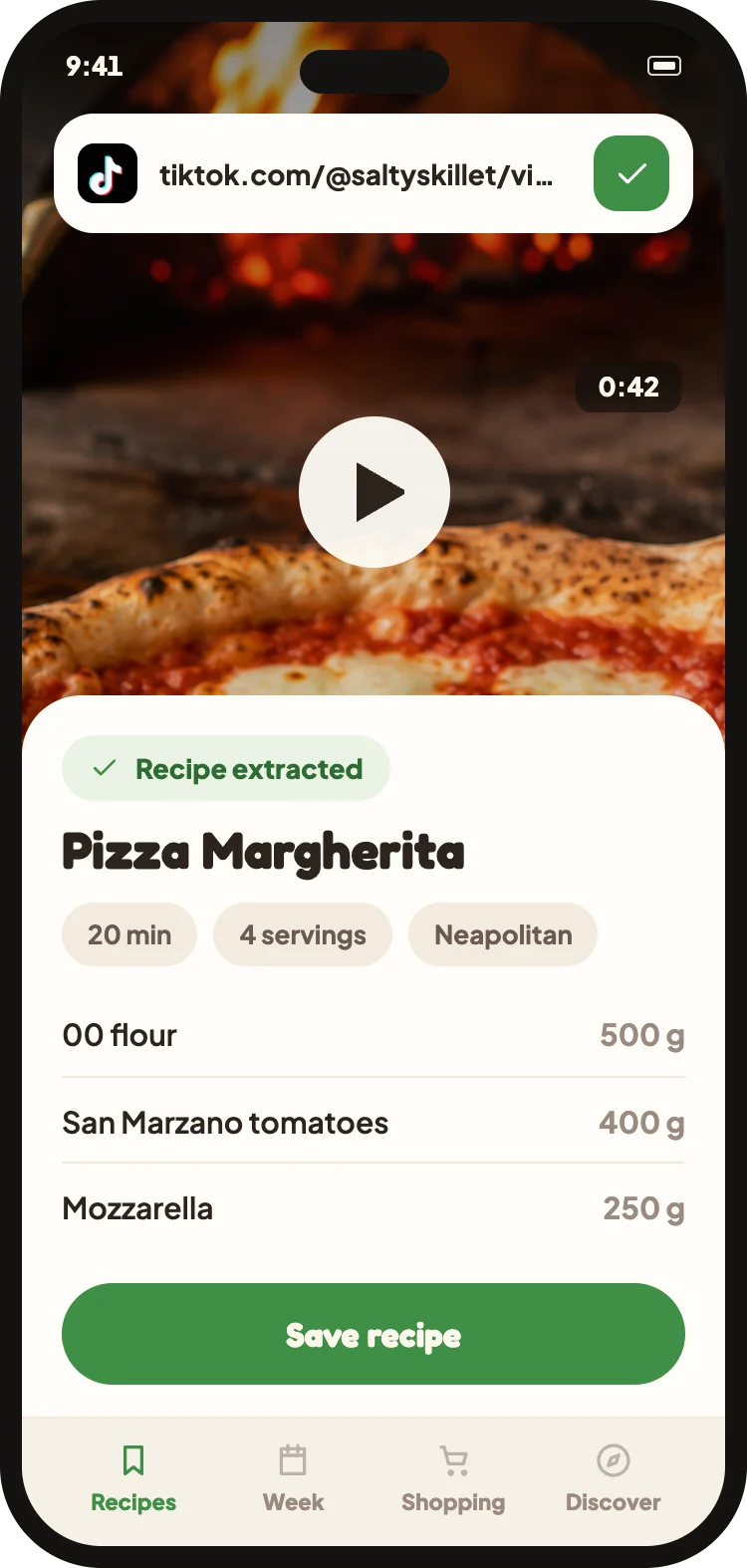
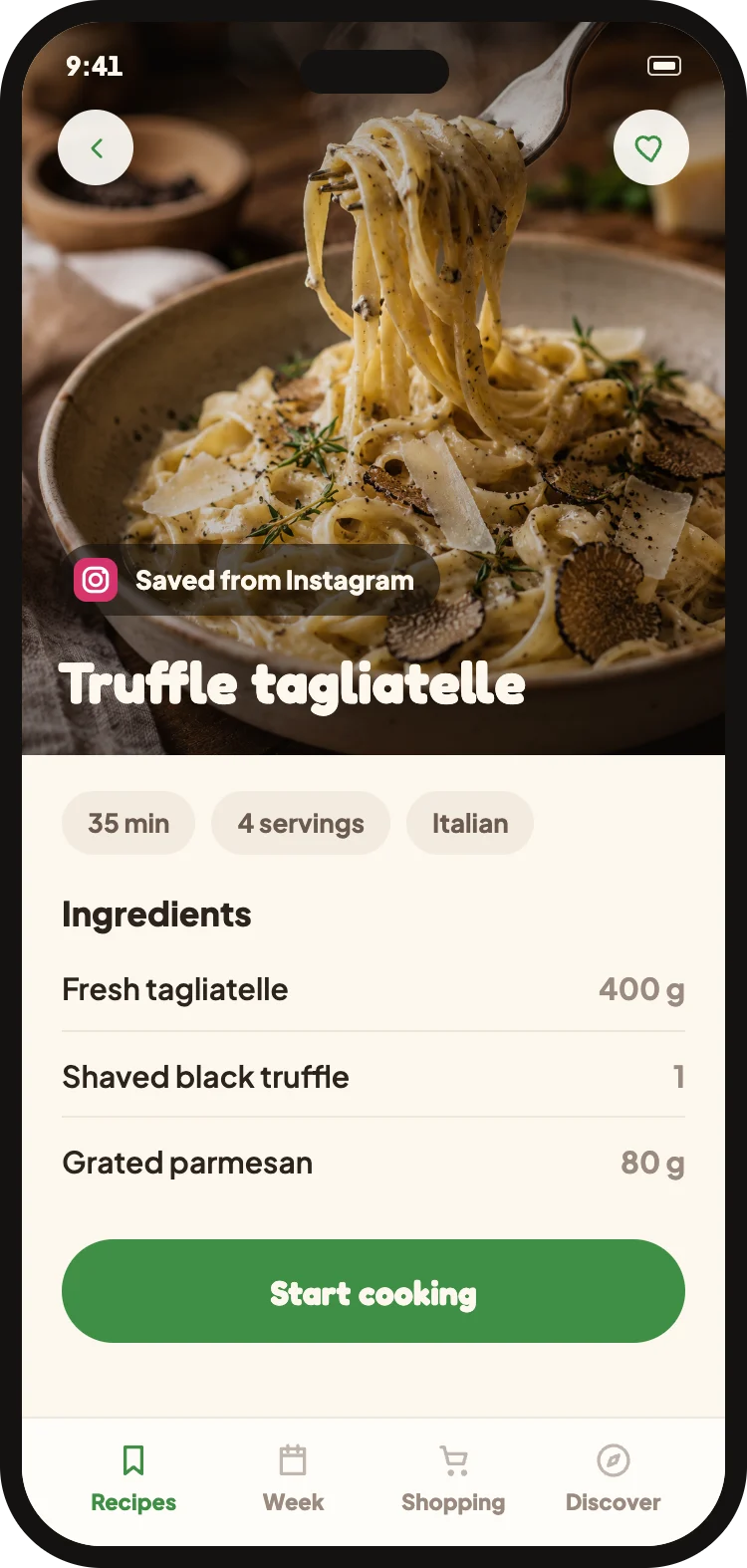
Share the reel with Cucinario. The app does the rest: it reads the video, the caption and the audio, and turns them into a real recipe.
1
Paste the linkFrom the share button, without leaving the app
2
Get the recipeAbout 15 seconds
3
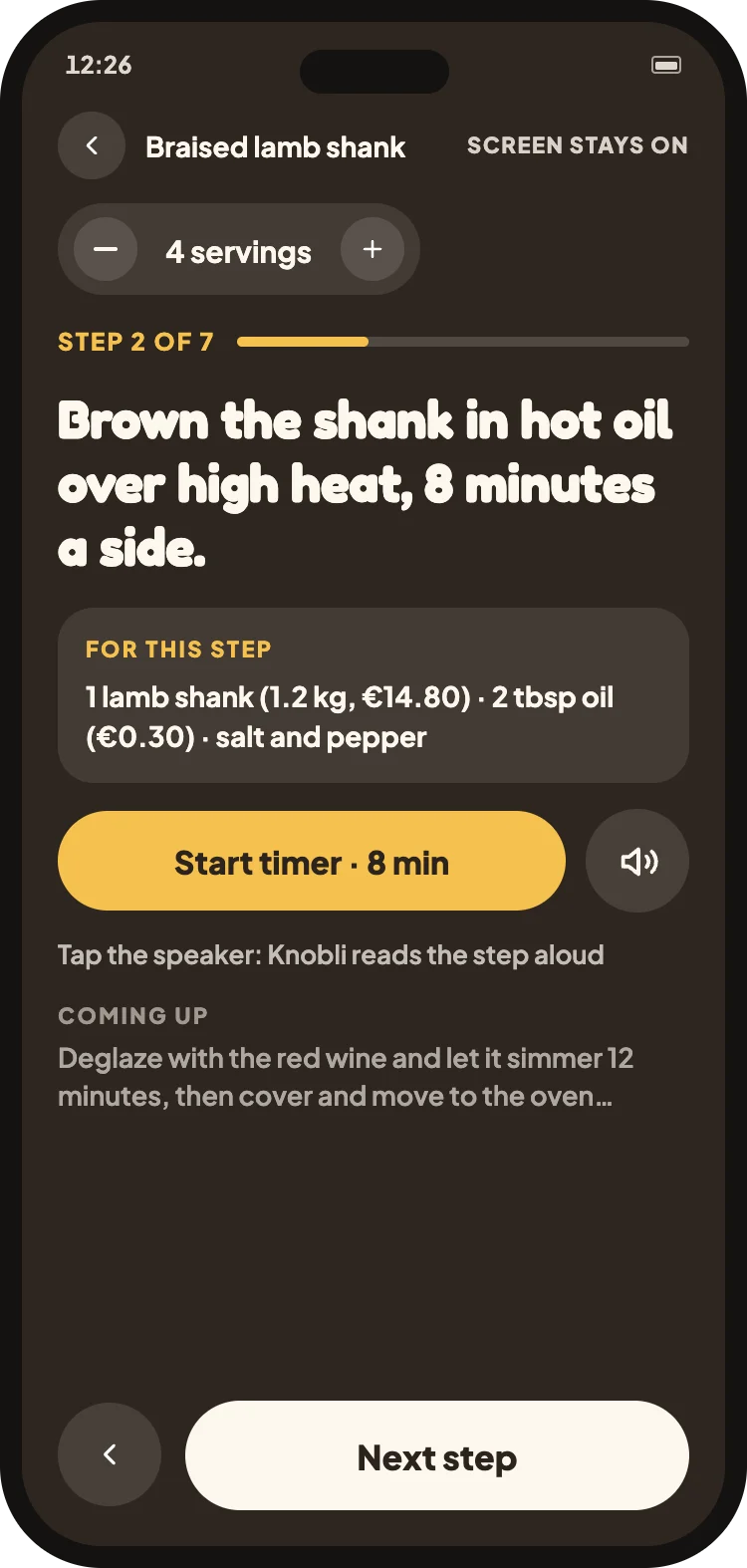
CookIngredients, amounts, steps
Cook mode
Cook with your hands, not your phone.
Screen stays on. Type stays big. Only what this step needs.
- Readable across the counter
- Timer's already set
- Only this step's ingredients
- Tells you when it's done
- Tap to hear it read out
Not only videos
Photograph the cookbook page.
Your grandmother's notebook, a page from a book, a handwritten sheet. Frame it, and it becomes a recipe with clear amounts.
What it does, actually
The things you use every week: save, cook, plan, shop.
01
From any link
Instagram, TikTok, YouTube, Pinterest and web pages. If there's a recipe in there, it finds it.
02
Amounts that scale
Change the servings and every quantity recalculates. Including the ones written in words.
03
One merged shopping list
Three recipes become one list by aisle: 1 carrot here plus 2 there reads “3 carrots”.
04
Weekly plan
Drag recipes onto days. The shopping list follows on its own.
05
Recipes in other languages
A reel in Italian or German becomes an English recipe, with units converted.
06
Timers that set themselves
“Simmer 12 minutes” becomes a running timer. You can keep several going at once.
07
Listen instead of reading
Tap the speaker: Knobli reads the step out loud while your hands are busy.
08
Discover new recipes
A free section of picked recipes: one pan, ready in 30 minutes, pasta night. One tap saves them to your library.
Inside the app
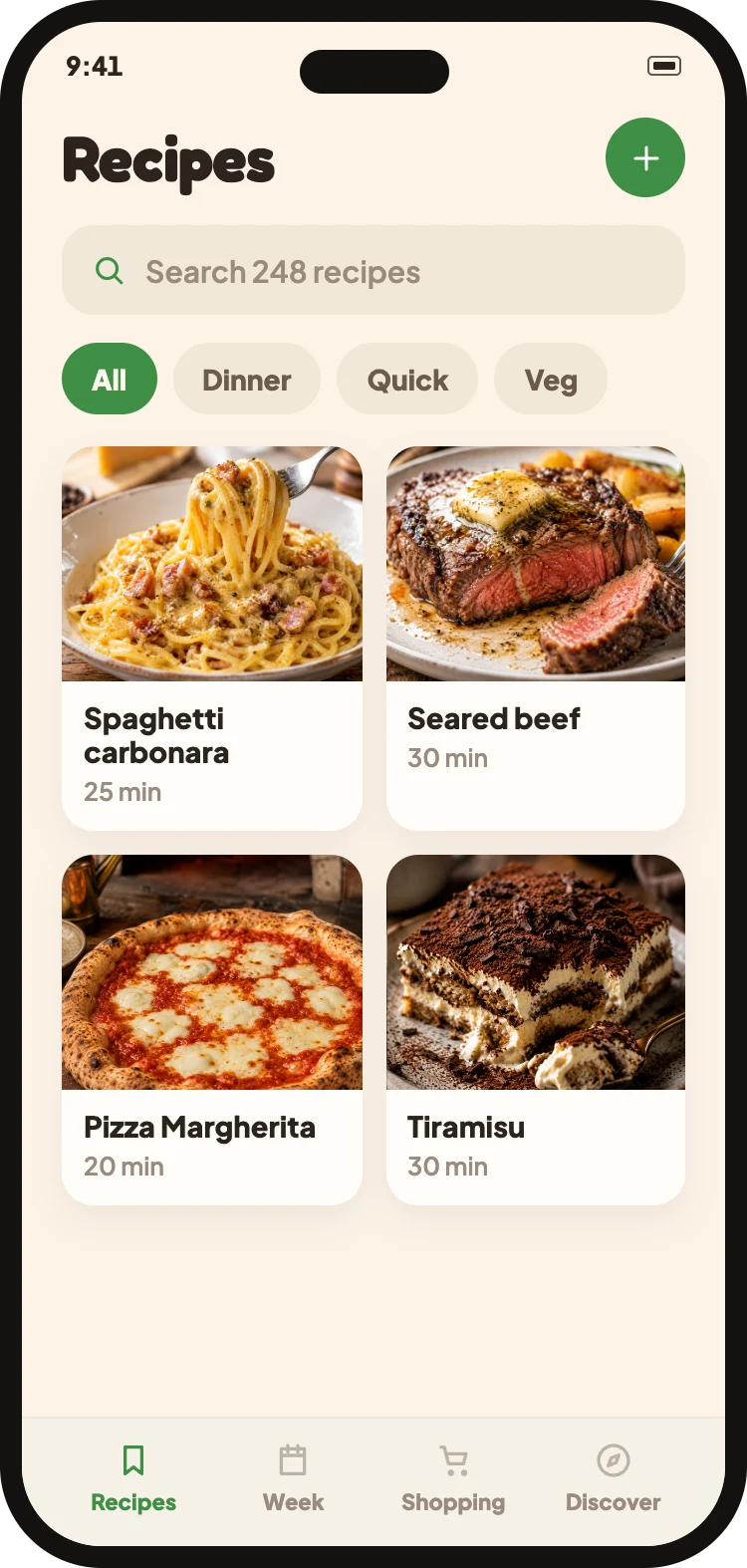
The screens you'll use every time you cook.
Import from a linkYour libraryThe recipeCook mode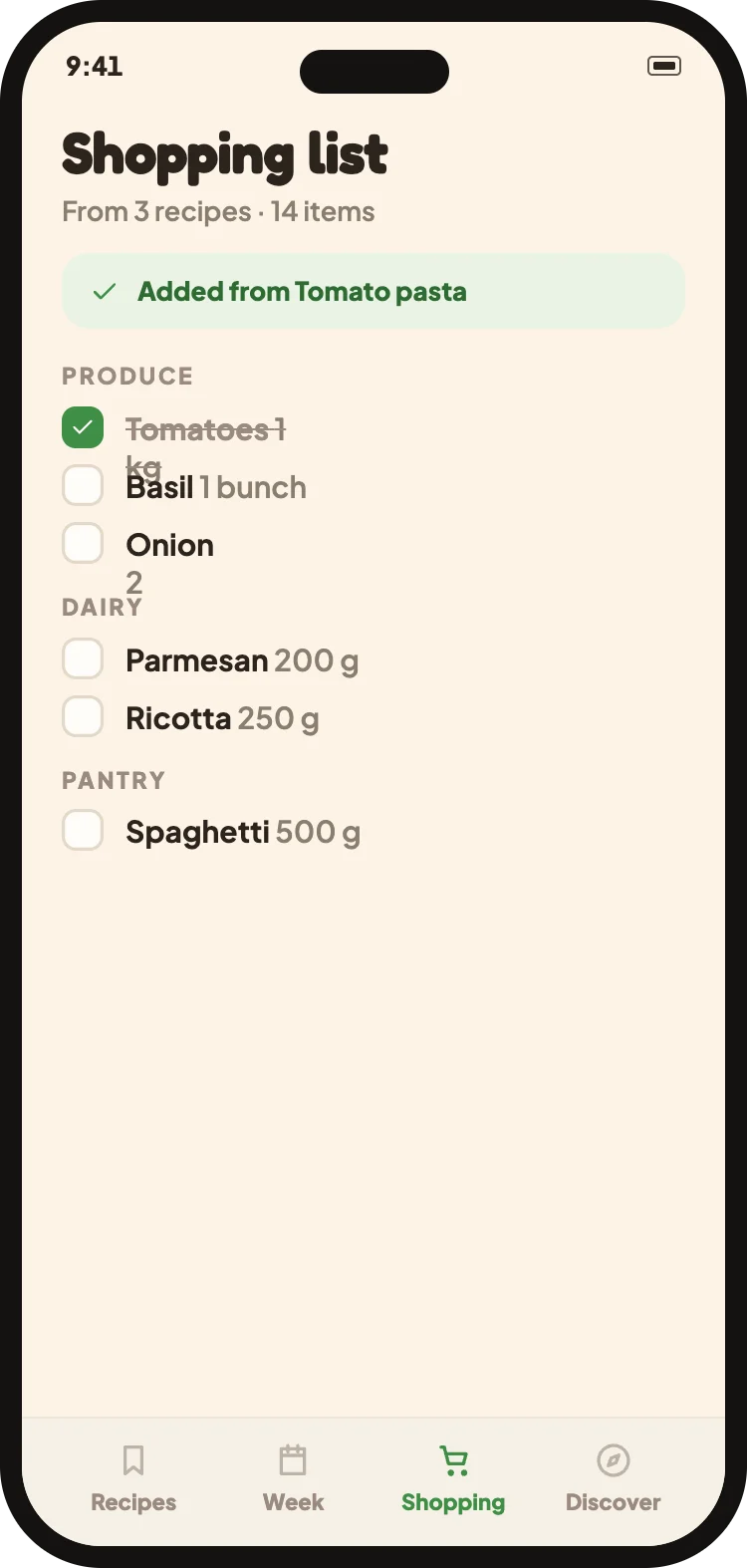 The shopping list
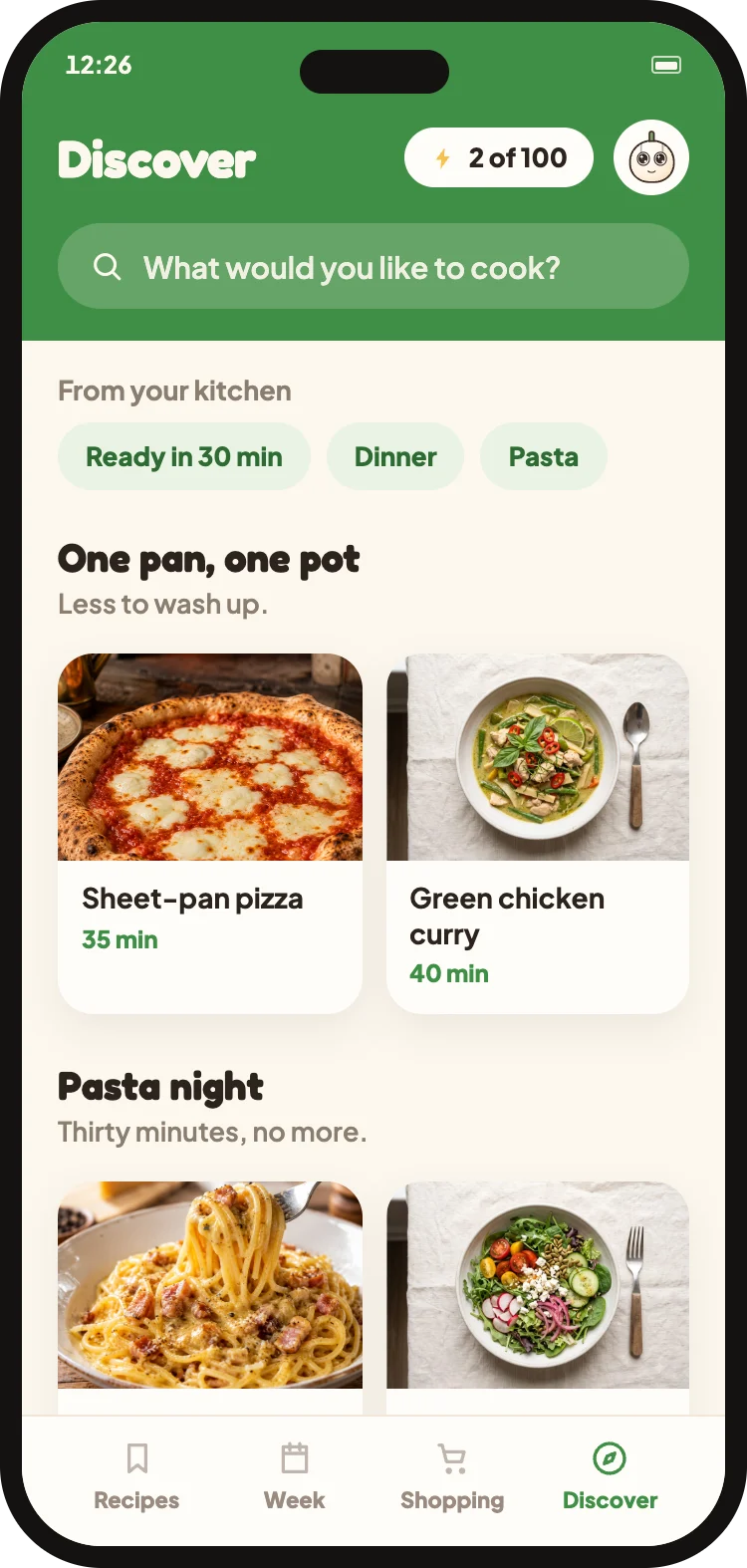 Discover recipes
- No ads, ever
- Your recipes live on your phone
- Export everything, any time
- Your data is never sold
- Sign in with Apple or Google
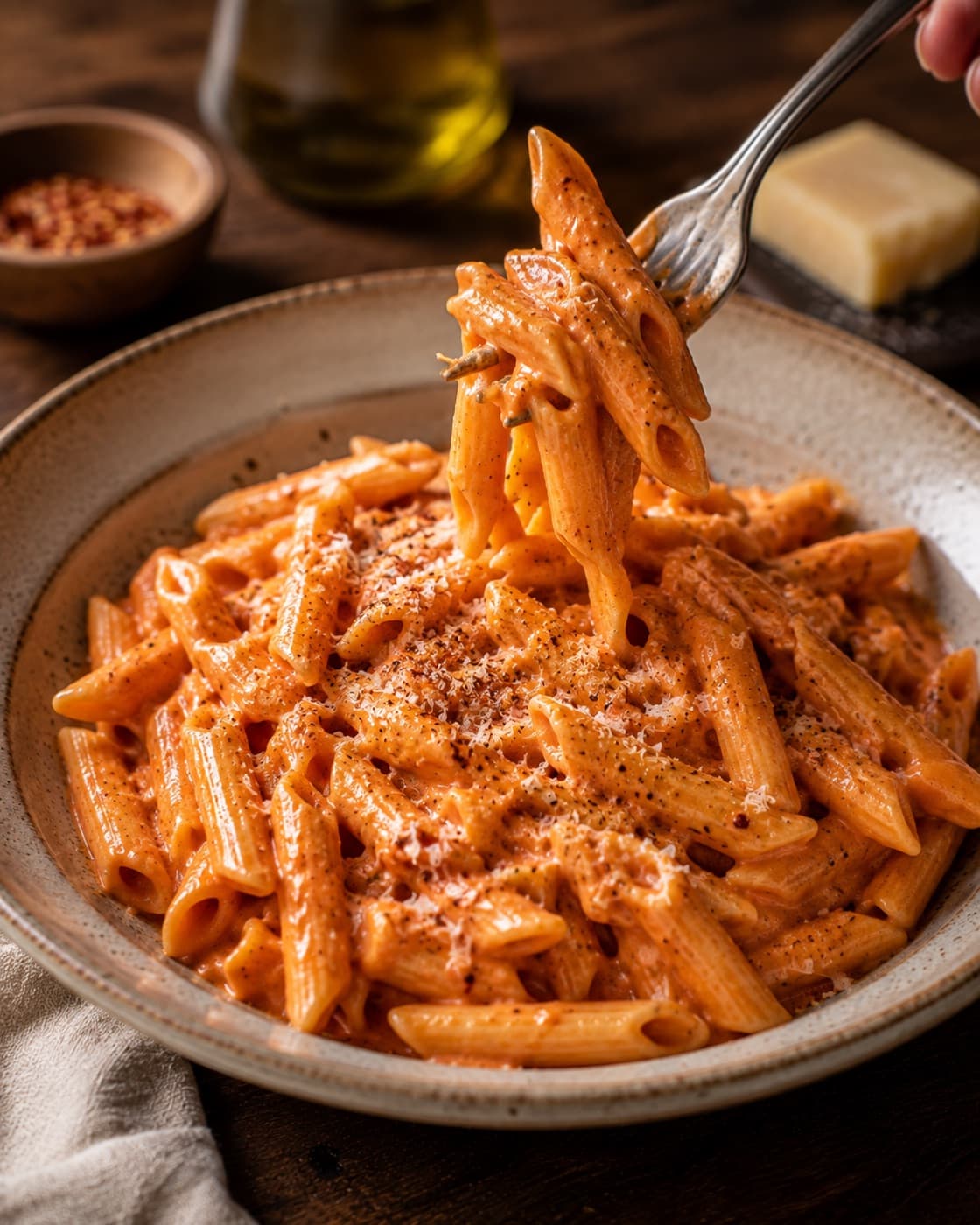
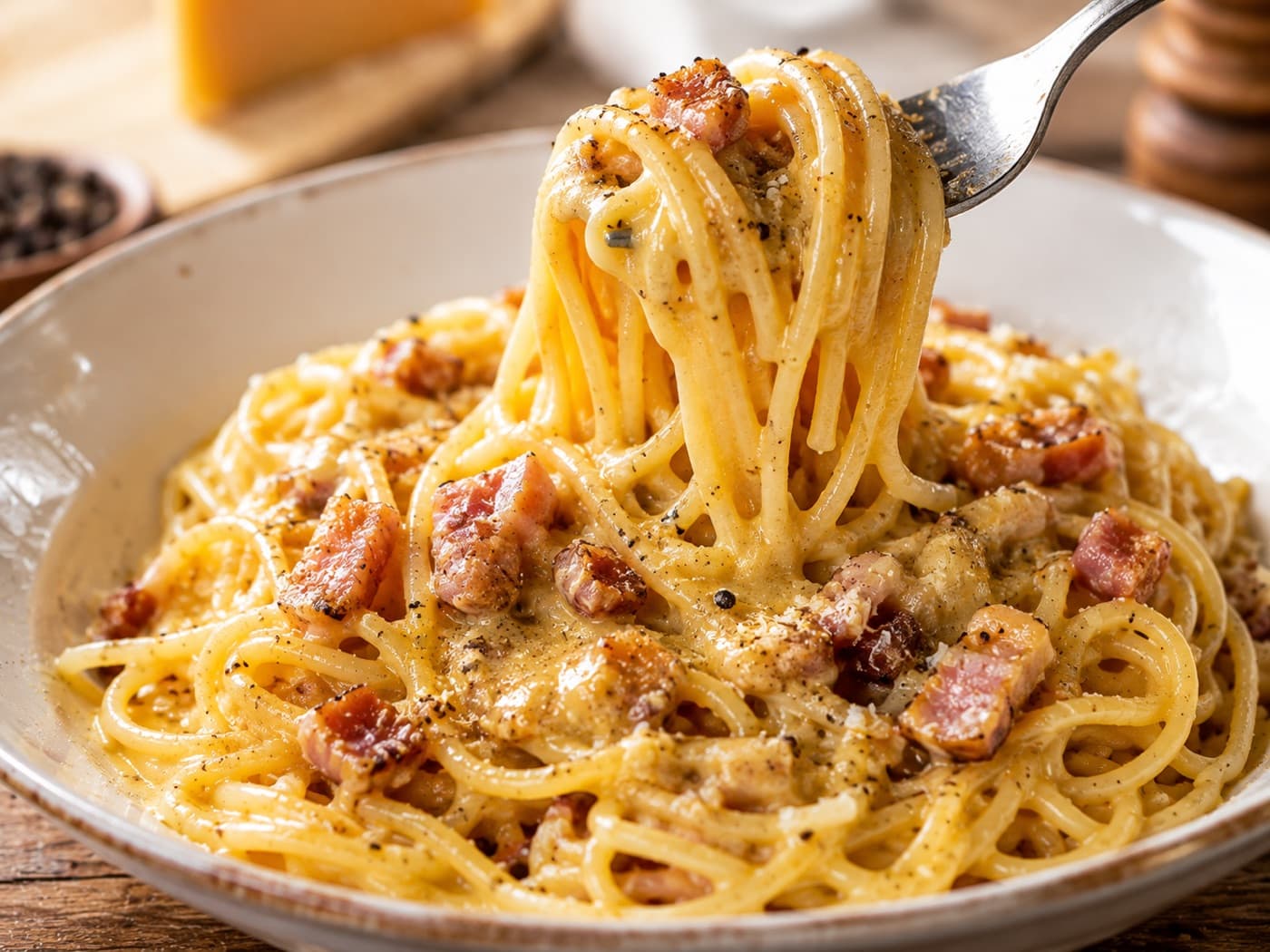
From the blog, in short
How to get the recipes you already saved in order, without starting over.
Your questions, answered
Where can I save recipes from?
From Instagram, TikTok, YouTube, Pinterest and any web page. You can also photograph a cookbook page or a handwritten card and it becomes a clean recipe like the rest.
Can I use Cucinario for free?
Yes. You can import a few recipes without paying, and what you save stays readable: library, cook mode, weekly plan and shopping list don't lock.
Is Cucinario on both iPhone and Android?
Yes, on the App Store and Google Play. The same app, in English, Italian, Spanish, German and French.
Does it work offline?
Yes. Saved recipes live on the phone, so you can read and cook them in a kitchen with no wifi. A connection is only needed to import a new link.
What makes Cucinario different?
It's built for the moment your hands are messy: one step at a time, large type, a timer pulled straight from the step, and only the ingredients that step needs. And your recipes stay yours, exportable any time.
You already saved the videos. Now cook them.
Take the link to one recipe that's been sitting there for months. Fifteen seconds later it's a real recipe card, with amounts and steps.
No ads, no card. Just your recipes.