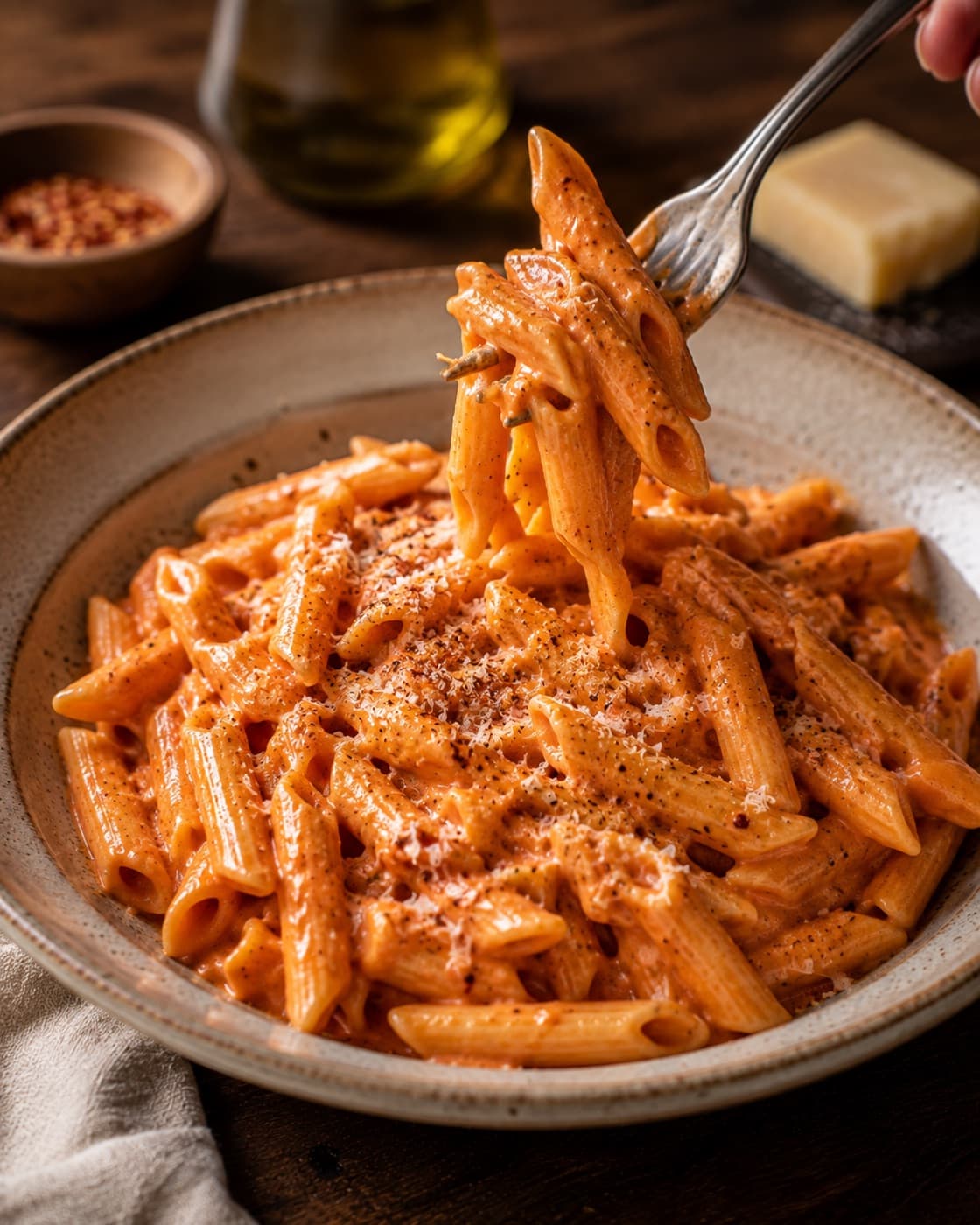
 5 min read
Instagram
Save recipes from Instagram without retyping them
Tap Share on a reel, choose Cucinario and keep scrolling. The recipe reaches your library in around fifteen seconds, with ingredients, quantities and steps listed separately.
No ads. Your recipes stay yours.
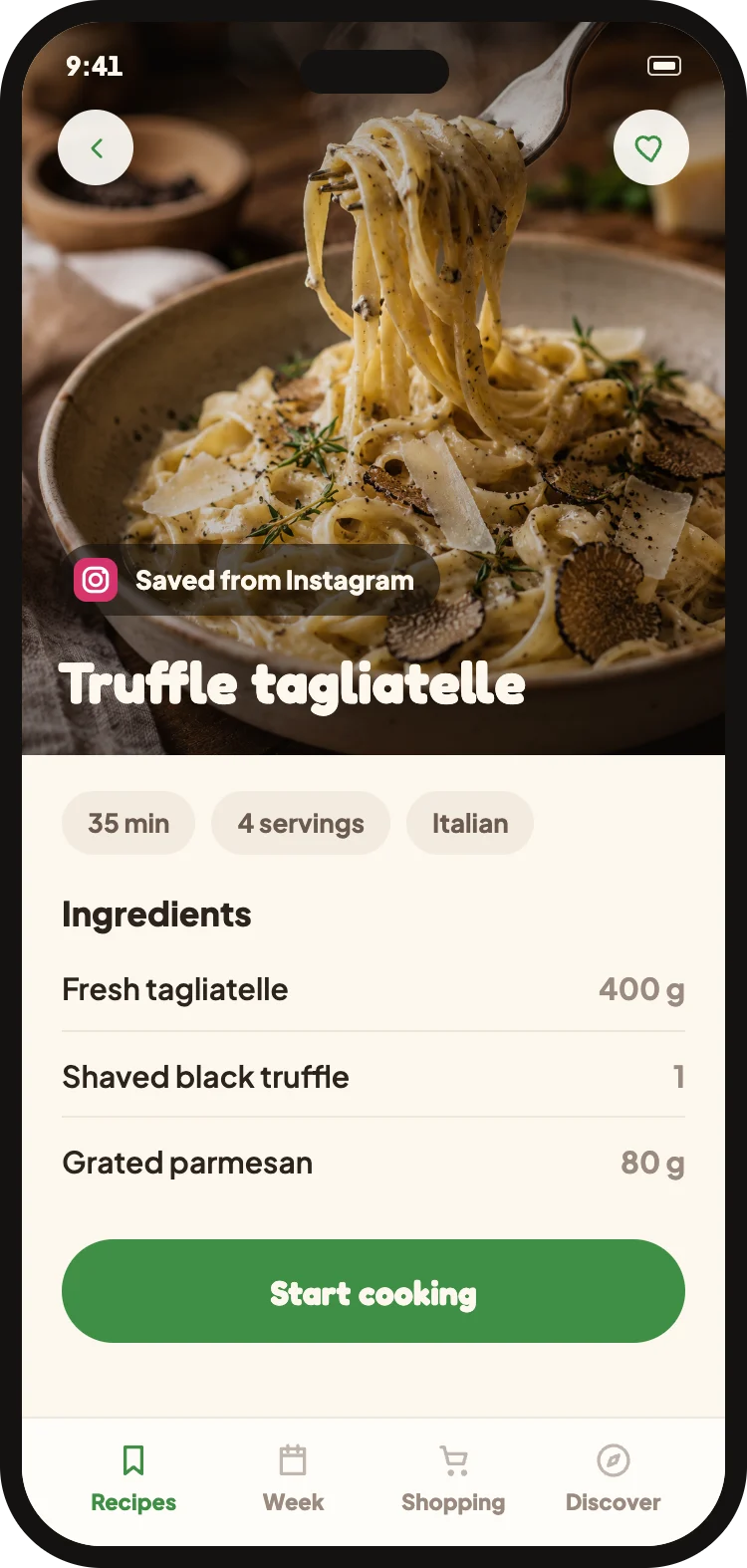
How it works
- 1Open the reel and tap the Share icon (the arrow under the video).
- 2Choose Cucinario from the list of apps.
- 3Return to Instagram — we'll notify you when the recipe is ready.
What Cucinario reads
- The caption, where ingredients are usually listed
- The video's audio, for steps spoken aloud
- Text overlaid on the clips
- The author's top comments, where quantities often appear
What it cannot do
- Private profiles can't be read: Instagram does not expose them to any app.
- If the reel doesn't contain a recipe we'll tell you immediately, without using up an import.
- If the quantities aren't stated anywhere, we can't make them up; we'll let you know.
Do I need to connect my Instagram account?
No. Just share the link: we don't ask for your Instagram credentials and we don't access your profile.
Does it also work with carousels and regular posts?
Yes, as long as they're public. We read the caption and any text in the images in the same way.
Does the recipe stay saved if the reel is deleted?
Yes. Once imported, the recipe is in your library and remains accessible even offline.